YOUR CREATIVE WORKSPACE
What will you create today?
One space for your next image, film, or campaign.
Choose your model
Image and video workflows · generation pending activation
Genjutsu models
Choose how to transform your source video · brief only
Find your next idea
Original concept images. Pick a look to start a draft.
Camera moves & visual effects
Concept references to help you plan the next shot.
Build your next campaign
From the product brief to your next creative concept.
More ways to create
Audio, characters and production workflows.
ATLAS STUDIO / AI CONNECTION
Bring your assistant into the studio.
Prepare creative briefs with ChatGPT, Codex or Claude.
Your server address
Your account connection is not verified yet.
Sign in through the connector when requested. You do not need to paste your Higgsfield API key into a conversation.
Available assistant tools
- Discover workflowsBrowse image, video, audio and marketing tools.
- Prepare an image or video briefWrite a prompt, choose a format and set video length.
- Prepare a Genjutsu briefChoose Motion Control or Object Swap and resolution.
Briefs are returned in your conversation. Download the JSON to keep them. They are not saved to a website account.
Connect your Atlas plugin
- Open Plugins → Personal → Created by you.
- Find Atlas Studio, then choose Install or Connect.
- Finish sign-in and enable the plugin in your conversation.
The Site plugin is created for the site owner. Installation and account permissions are managed in ChatGPT.
Add a custom connector
- Open Customize → Connectors.
- Choose Add custom connector and name it Atlas Studio.
- Paste the server URL, review the detected authentication and finish connecting.
- Enable Atlas Studio from Connectors in your conversation.
Claude account compatibility and sign-in still need a connection test. Official setup guide
«حضّر ليا brief ديال Genjutsu Object Swap: نبدّل المنتوج فالفيديو، ونحافظ على الحركة والإضاءة، بجودة 720p.»
The assistant returns a brief. It does not generate or charge for a video.
ONE WORKSPACE. MORE WAYS TO CREATE.
All tools
Choose a workflow. Prepare a brief. Activate generation later.
No tools match. Try a different search.
Based on public Higgsfield tools reviewed on September 30, 2026. API availability must be verified separately. Atlas Studio is independent and not affiliated with Higgsfield.
Your source preview will appear here.
No generated result is displayed here. Saved briefs keep settings and filenames only; download the JSON to keep them after this session.
CREATE WITHOUT LIMITS. PLAN BEFORE YOU GENERATE.
Image studio
Video briefs can target up to 30 seconds. Seedance 2.5 supports 4–30 seconds; other model limits will be checked before generation.
No AI calls. No credits used. No payment required.
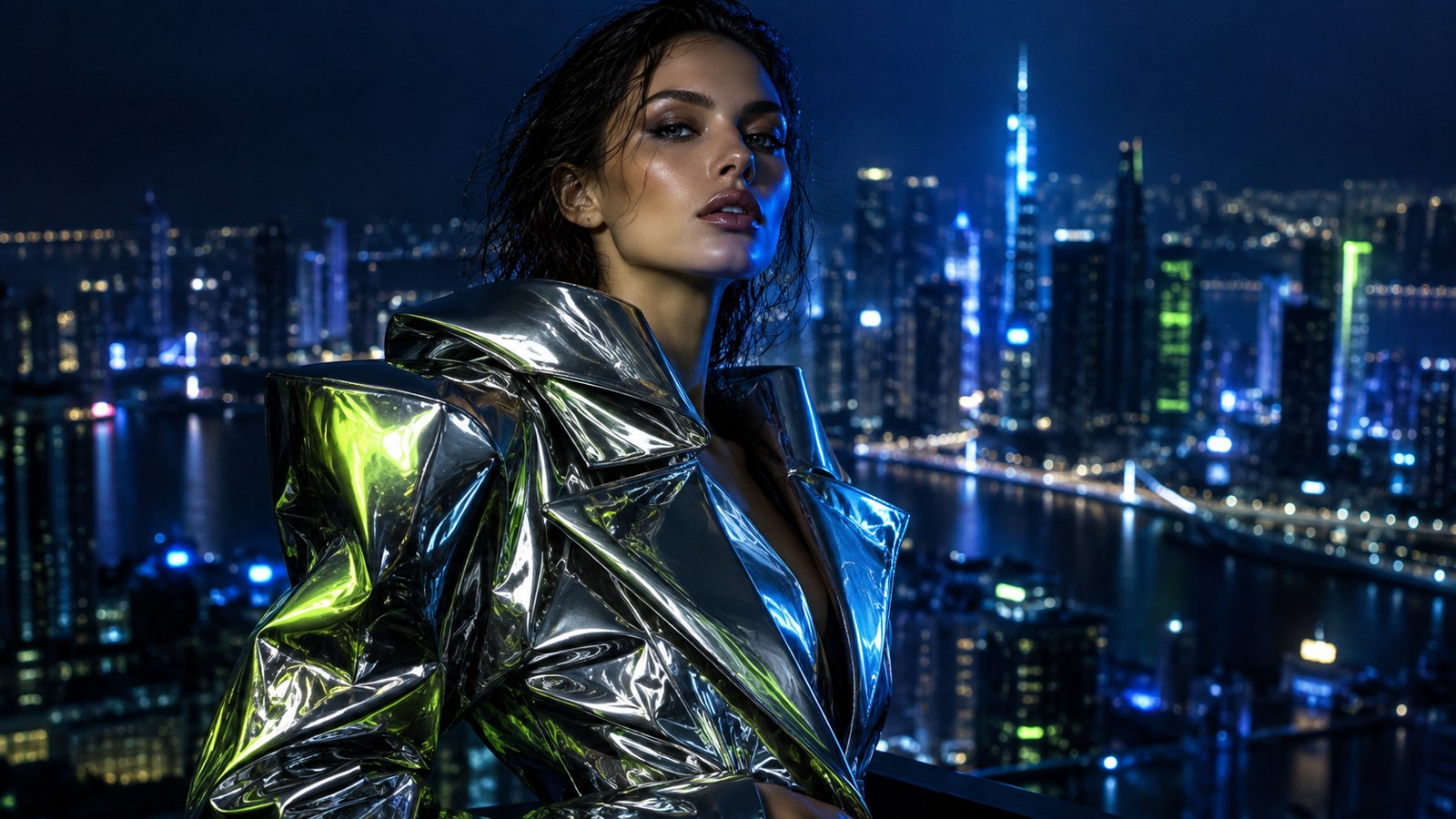 REFERENCE CONCEPT · NOT A GENERATED RESULT
Every great visual starts with an idea.
Describe what you imagine, choose a model, and prepare your brief. Live AI generation will be available after activation.
YOUR PRODUCT. YOUR COMPOSITION.
Product studio
Build your ad
Your image stays in this browser.
This editor places your original photo on a background with a headline. It does not remove backgrounds or generate with AI.
Your product takes center stage.
Add a photo to start composing.
THIS SESSION
Your creative briefs
Drafts stay here until you close or reload this page. Download a brief to keep it.
A place for your next big idea.
Prepare a brief in the image or video studio to see it here.
FROM A VISUAL TO A POST
Your publishing kit
Shape the words around your image or video.
Planned purchase bonus: 3 publishing kits with an image or video order, valid for 7 days. Purchase activation is not available yet.
One visual. A complete post.
Add your topic and message to create three title options, a hook, caption and starter hashtags.
Edit every field to match your visual. Starter hashtags are suggestions, not verified trending tags.